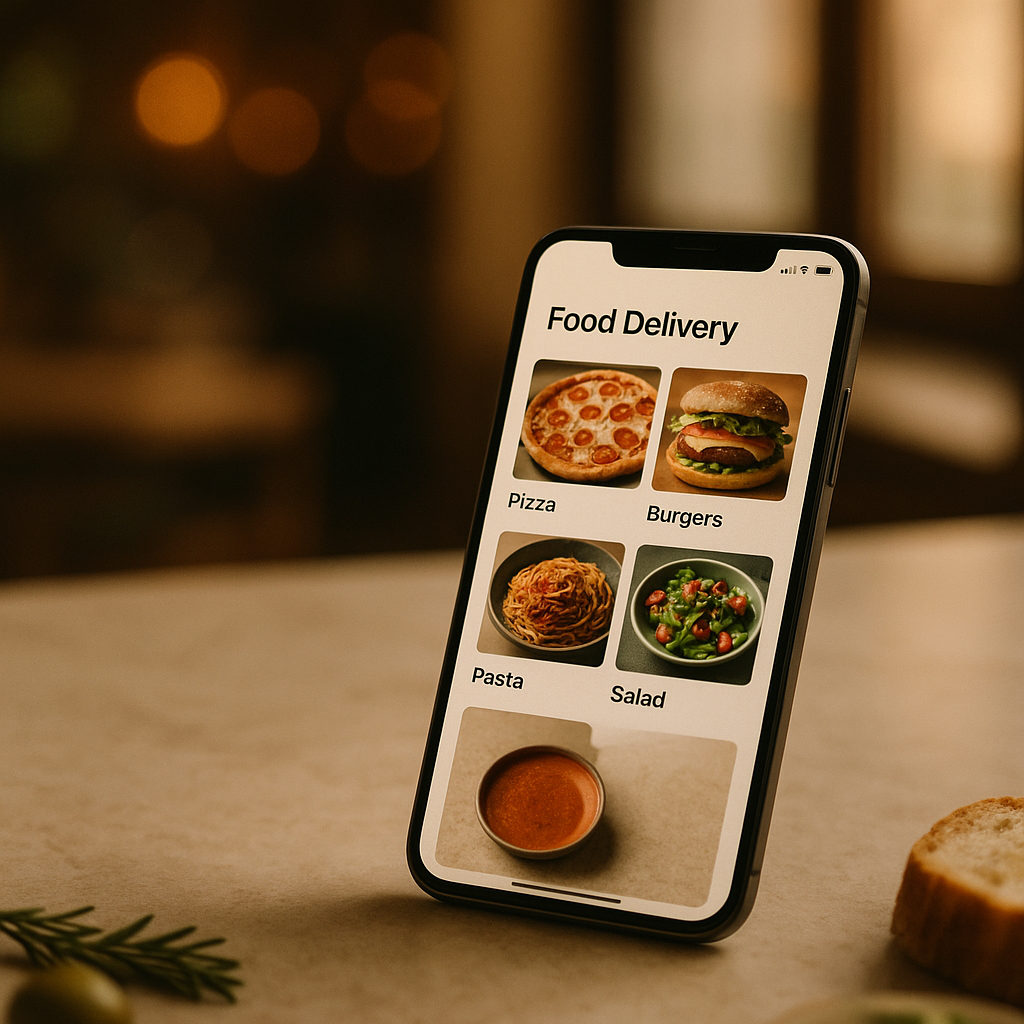
Your menu lives and dies by its images on delivery apps. If you’re listing on Glovo, mastering glovo menu photos with just a phone is not only possible, it’s practical. With controlled light, clean styling, and a fast edit, you can rival hired shoots while keeping control of timing and budget. Prefer to outsource entirely? FoodFix exists for exactly this, but if you’re shooting in-house, follow this field-tested workflow.
What “Glovo-ready” actually means
Great delivery imagery does three things immediately: communicates what the dish is, makes it look craveable, and stays faithful to reality. Aim for:
- Bright, color-true exposure that feels natural (no heavy filters)
- A single clear hero (one plate, minimal props, no clutter)
- Believable portions and textures (show crispness, steam, or gloss without overdoing it)
- Crops that survive square thumbnails (leave margin around edges)
- Clean backgrounds that won’t fight with the food (light neutral or subtle texture)
Technical notes:
- Aspect and crop: Most delivery apps, including Glovo, often present items in square or near-square thumbnails. Compose with extra headroom so nothing gets cut when cropped.
- Resolution: Export high‑quality JPEG (sRGB). Long edge around 2000–3000 px typically balances sharpness with fast loading.
- Consistency: Keep lighting, angle, and backdrop coherent across the whole menu. Consistency sells the brand as much as any single hero shot. FoodFix is designed to guarantee that consistency at scale.
Step-by-step: shoot glovo menu photos with your phone
Here’s a repeatable setup your team can run in 30–60 minutes per batch.
1) Prep your space
- Find a window with bright but indirect light (north light or shaded daylight). Set a small table 0.5–1 m from the window.
- Turn off all overheads to avoid mixed color casts.
- Use a white foam board opposite the window as a reflector; a second dark board can add shadow depth if needed.
- Lay out a neutral backdrop: wood, matte slate, or light paper. Avoid shiny surfaces that reflect phones and arms.
2) Prep your phone
- Clean the lens. A fingerprint looks like blur.
- Use the 2× telephoto (or 50 mm equivalent) for natural proportions; wide lenses distort plates.
- Turn off flash. Enable grid lines. Shoot at your highest resolution.
- Tap to focus on the hero bite (e.g., the glistening protein or brightest garnish). Slide exposure slightly down (−0.3 to −0.7) to protect highlights.
- Lock focus/exposure if your phone supports it (long-press on iOS for AE/AF Lock) to keep results consistent.
3) Frame key angles
- 45° three‑quarter: the most versatile for burgers, bowls, pastas, and composed plates.
- Top‑down (90°): best for pizzas, flat lays, and colorful bowls.
- Low angle (10–15°): great for stacked items (burgers, pancakes) to show height.
4) Compose for the square
- Center the plate with room around edges so a 1:1 crop won’t pinch.
- Keep props minimal: one fork, a folded napkin, or a small ingredient cameo. Remove anything that doesn’t help a quick decision.
5) Shoot multiples
- Take 6–12 frames per dish. Nudge the plate, tweak the garnish, and slightly rotate between frames. Small moves create options later.
Light is your unfair advantage
Natural light will beat on‑camera flash every time.
- Use the window as your key light from the side or 45° behind the food. Rotate the plate until textures pop.
- Fill shadows with a white board; add depth with a black card on the opposite side to keep contrast punchy.
- Diffuse harsh sun with a sheer curtain, baking parchment, or a translucent panel.
- Avoid mixed light. If the kitchen’s warm bulbs spill in, turn them off for the shot.
- Batch similar dishes while the light is consistent; move quickly with hot items so they still look fresh.
Composition and styling that sell delivery
Styling for delivery listings is about clarity and appetite appeal at thumbnail size.
- Size and scale: Use a plate that matches the portion; oversized platters make servings look small.
- Color contrast: Pair green herbs with reds/oranges; use a neutral plate to let colors lead.
- Texture cues: Brush a light oil on proteins for sheen; add a fresh drizzle or sprinkle right before the shot.
- Tidy edges: Wipe rims, clean crumbs you don’t want, then add one intentional crumb or drip for realism.
- Packaging cameo: For delivery relevance, a corner of branded paper or a tidy open box can set expectations—don’t let it dominate the frame.
- Brand continuity: Keep a consistent backdrop palette across the menu. FoodFix excels at enforcing this look across large catalogs.
Edit fast on your phone (no overkill)
You don’t need a suite of tools—Photos, Snapseed, or Lightroom Mobile are plenty.
- Crop: Start square (1:1). If your menu manager allows other ratios, keep a master square and export alternates.
- White balance: Use an eyedropper on something neutral (plate, parchment) to correct warm/cool casts.
- Exposure and contrast: Lift exposure slightly until whites feel clean but not blown; add a touch of contrast.
- Highlights/shadows: Recover highlights if sauces or cheeses are too bright; lift shadows to reveal texture without going flat.
- Clarity/structure: Use lightly. Too much makes food look gritty.
- Color: Prefer Vibrance over Saturation; food should look vivid, not neon.
- Cleanup: Heal stray crumbs, fingerprints on plates, or sauce smears you didn’t intend.
- Export: JPEG, sRGB, quality around 85–90%. Long edge 2000–3000 px. Name files clearly for upload.
Industry reports indicate that better, brighter menu images can lift click‑through and conversion in the low double digits; even modest improvements multiply across every impression.
Mini case study: a fast casual refresh in one afternoon
A Lisbon poke bar needed a quick visual overhaul before a weekend promo. With one staffer, an iPhone, a window table, and two foam boards, they shot eight hero dishes in 75 minutes. Key moves:
- Switched off warm ceiling lights and used only window light with a white reflector.
- Shot top‑down for bowls and 45° for sides and drinks.
- Edited on‑phone: slight exposure lift, white balance neutralized, square crops with generous breathing room.
Result: their refreshed listing looked consistent and craveable. Team members reported more item saves and a noticeable week‑over‑week uplift after the change. They later used FoodFix to standardize seasonal specials across multiple platforms without booking repeat shoots.
DIY or done‑for‑you? When to switch to FoodFix
Do it yourself when:
- You need a quick update for a few items or today’s special.
- You want full control over plating and brand details.
- You’re testing dishes and don’t yet need the whole catalog refreshed.
Use FoodFix when:
- You want a full, consistent catalog for menus on Glovo, Uber Eats, and Just Eat without coordinating a photographer.
- Speed matters. FoodFix delivers delivery‑ready visuals with a 99‑second turnaround.
- You need cost predictability: €1.5 per shot, a €45/month Pro plan with 30 photos, or a €225 full‑menu package.
- You manage multiple locations and need brand‑tight results every time.
Ready to skip the shooting day and still ship great images? Try FoodFix and scale your visuals without slowing down operations.
FAQ
What phone settings work best for menu photos?
Use the 2×/tele lens (or 50 mm equivalent) to avoid distortion, grid lines for alignment, and tap‑to‑focus on the hero bite. Turn off flash, set HDR to auto or off, and bias exposure slightly down to protect highlights.
Do I need a lightbox for Glovo images?
Not necessarily. A window, a cheap white foam board, and a neutral surface can outperform many lightboxes because you can shape shadows for texture. Lightboxes are fine for pack shots but can make hot food look flat.
Should I shoot RAW or JPEG/HEIC on a phone?
If you’re comfortable editing, RAW gives flexibility; otherwise, high‑quality JPEG/HEIC in sRGB is more than enough and faster to process. Keep your white balance consistent to reduce editing time.
Can I reuse the same photos across Glovo, Uber Eats, and Just Eat?
Yes—good menu photos work across platforms. Just double‑check crops inside each app’s manager so important details aren’t trimmed by different thumbnail ratios.
How many images per item do I need?
One strong hero usually suffices for delivery menus. Consider a second angle for complex dishes (e.g., an inside cut of a wrap) or for best‑sellers where variety can help, but don’t overwhelm the listing.
What size and file weight should I upload?
Aim for 2000–3000 px on the long edge in JPEG (sRGB). Keep file sizes lean for fast loading; under a couple of megabytes is a practical target while maintaining quality.
With this workflow, your glovo menu photos will be clear, consistent, and conversion‑minded—and when you’re ready to scale or standardize across locations, FoodFix is built to take it from here.